


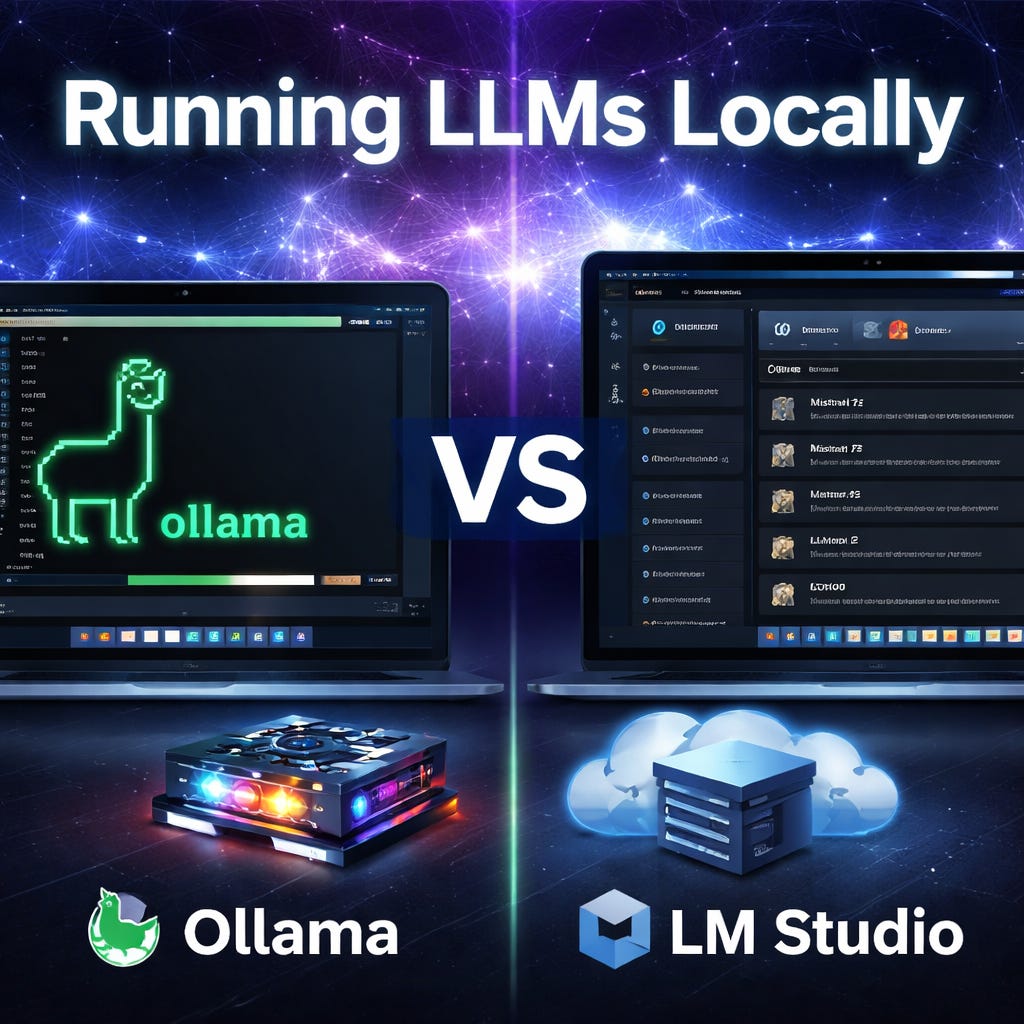
Most people assume “running an AI model” means GPUs, command lines, and a weeks of frustration. This 2026 and it’s not like that anymore.
If your goal is simple—run a capable model on your own machine for privacy, speed, and offline use—you can be up and running in minutes. Two tools dominate the “easy local LLM” space:
• LM Studio (a polished desktop app)
• Ollama (a lightweight local model runtime with a clean CLI)
I’ve used both. They’re both very good, but one is the clear winner depending on what you value most.
Why run locally at all?
Before the tools, here’s why local still matters even in a cloud-first world:
Privacy: sensitive notes, internal drafts, counseling-type conversations, donor info, etc.
Latency: quick responses without round-tripping to an API
Offline resilience: travel, spotty connections, and countries with restricted access
Cost predictability: no surprise token bills for heavy experimentation <— this is what drives me!
Control: pick the model, pin versions, tune context, and build repeatable workflows
None of this replaces cloud models for “absolute best quality.” But local is often “good enough,” and sometimes the constraints are the feature.
Options
Option 1: LM Studio is the easiest “desktop app” experience.
LM Studio is the tool I recommend when someone says, “I just want this to work and have a great user experience.”
What it feels like
• Download app, download a model, and start chatting.
• You get a clean UI, model search, and a lot of guardrails.
Pros
Best beginner experience
If you want a “Spotify-for-models” vibe, LM Studio is it.
Great for experimenting
It’s easy to try multiple models quickly without memorizing commands.
Built-in chat UI
No need to wire up a separate interface to get started.
Simple local server mode
When you’re ready, you can expose a local API endpoint and use it with other tools.
Cons
More “app” than “platform”
You’re working inside a GUI-first environment. That’s great… until you want automation everywhere.
Less natural for scripting
You can use it programmatically, but it’s not as “native.”
Organizational control can be fuzzier
If you care about clean, repeatable deployment (team laptops, servers, homelabs), LM Studio can feel less standardized.
Option 2: Ollama
Ollama is what I recommend when someone says, “I want local AI to become infrastructure.”
What it feels like
• Install Ollama, run <model>, you’re live.
• It’s minimal, fast, and designed to be composable.
Pros
The best for automation
Ollama is extremely friendly to scripts, cron jobs, and integrations. It fits dev workflows naturally.
Clean mental model
You’re basically running “models as services” locally. That clarity matters as you build systems.
Consistent across machines
If you want to replicate a setup across multiple computers (or a server), Ollama tends to behave predictably.
Plays well with other tools
UIs like Open WebUI, LangChain-style apps, and custom agents often have great Ollama support.
Cons
Less beginner-friendly
If someone is allergic to the terminal, Ollama will feel more technical on day one.
You’ll likely add a UI
Many people end up pairing it with a front-end, which is fine, but it is one extra step.
“Which model should I run?” is still your problem
Ollama makes running models easy; choosing the right one still requires some judgment.
Head-to-Head: Which Is Easier?
If we define “ease” as “fastest path from zero to first chat,” LM Studio wins.
If we define “ease” as “lowest friction to integrate into real workflows,” Ollama wins. And that’s the definition that matters long-term.
My Clear Winner: Depends upon your use case.
If you want local LLMs to be more than a novelty—if you want them to become something you can build on—Ollama is the winner.
It’s not because it has a prettier interface. It’s because it becomes a foundation:
• You can script it.
• You can standardize it.
• You can plug it into other apps.
• You can treat it like a dependable local service.
LM Studio is a fantastic on-ramp. But Ollama is the tool that tends to stick.
Practical “What should you do today?”
Here’s the simplest path depending on your personality:
If you want the smoothest first experience:
Start with LM Studio for one afternoon. Try a couple models. Learn what you like. I love comparing models side by side (make sure your machine can handle this).
If you want something you’ll actually build with:
Install Ollama, pick one solid general model, and connect it to whatever tools you already use.
Closing thought
The real shift isn’t that local models are “as good as the cloud.” Normally, they aren’t.
The shift is that local models are now easy enough to be normal. This changes how often you reach for them, what you trust them with, and what you can build.