


I Built You a Training Site
A few months ago, I wrote a 10-part series called “A Practical Guide to Claude Setup.” The idea was simple enough. Most people still think Chat GPT is “AI” and they never really consider anything else. My opinion is that Claude is far superior to anything else out there. Most people use AI like a slightly smarter Google search. Type a question, get a generic answer, spend the next ten minutes rewriting it into something usable.
The fix to make AI really work for you isn’t a better prompt, it’s an AI system. Giving Claude your voice is the key to moving from AI slop to AI production.
That series walked through how to set up Claude. It was file by file and lesson by lesson until Claude actually knows who you are, how you work, and what you’re trying to accomplish. Many of you read that series. A lot of you told me it was the most useful thing you’d seen on AI in a ministry context.
But a few of you also told me something that stuck. The series was spread across ten separate posts and building the system while bouncing between articles was harder than it needed to be.
So, I fixed it.

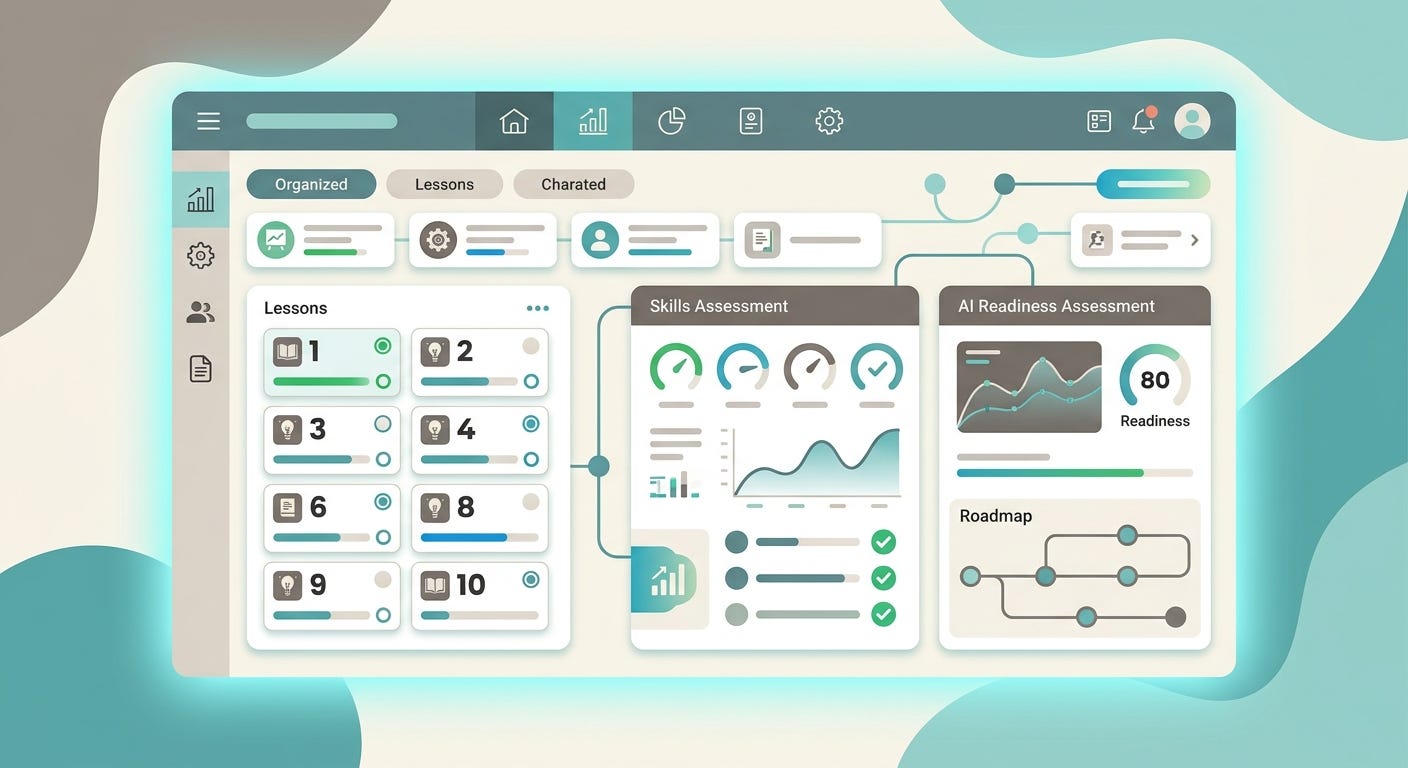
Introducing claudecode.donbarger.com
It’s free and it’s all in one place. It’s built so you can actually work through it as a training.
Everything from the series is there and then some! It has the full curriculum, all ten lessons, each one with the core concepts distilled, a concrete deliverable, and worked examples you can reference when you get stuck. There’s also a skills assessment that diagnoses your weakest dimension and tells you which lesson to do first. And for organizations, an AI readiness assessment that goes broader.
Here’s what you’ll build if you go through it:
A CLAUDE.md that introduces you to Claude once and routes every future task to the right specialized file. Not a bio. A system.
A living context document that captures what’s actually happening right now in your work — projects, relationships, current tensions — so Claude isn’t operating from stale information.
A three-file writing system that produces first drafts in your voice. Your structure. Your phrase bank. No more rewriting AI output that sounds like a McKinsey press release.
A prompt library that compounds. Every task you repeat, built once, used forever.
A comms file for the communications that require precision and diplomacy — the sensitive emails, the peer navigation, the board briefings. Different instrument, same values.
And for those of you leading ministry organizations: a faith-based adaptation layer that bakes in theological framing, stewardship principles, and a clear list of the human moments Claude must never touch.
Why This Matters
I’ll say the same thing I’ve been saying in the Faithful Intelligence series.
The goal isn’t AI-maximized ministry. It’s faithful ministry, resourced by AI in its proper place. A missionary with more time for language learning because AI is handling her reports. A pastor who spends three times as long in prayer and Scripture because AI helped do the sermon research. A small team that produces with the capacity of a much larger one and reinvests the time into presence, relationship, and the slow work that actually makes disciples.
That’s the vision and this course is how you build the infrastructure for it.
It’s not theoretical because I actually use this framework in my work. Dozens of tools that we’ve crated uses this frmework. A document translation engine was built with it. The AI Canvas runs on them. An image creation tool was built with it as was my video creation tool. Every tool I’ve shipped through the Innovation team was built using this Claude setup. Claude actually knew me and why I was building what I was building.
You can have that too. It can be set up in about an hour. If you really need to move slow, you should be able to set it up in about half a day.
Where to Start
If you don’t have Claude yet, start buy getting a subscription. Using that links gets both of us a little extra Claude credit ;)
Once you have a Claude account, go to claudecode.donbarger.com and take the Skills Assessment first. Five minutes and it tells you exactly which lesson to do next based on where your current setup is weakest. If you’re new to Claude, just start with lesson one.
If you’ve already been using Claude for a while, the assessment will probably surprise you. There’s almost always one dimension in your setup that’s significantly underdeveloped relative to the rest. Maybe it’s the domain file, the prompt library, the comms file, or something else… but there’s always something. Fix that and you disover real takeaways.
Build the system. Maintain it. And then do the work that was always yours to do.
Did I mention that it’s free? If you want to support our innovation fund that makes these tools available, check out the Innovation Fund at the International Mission Board.
If this was useful, share it with a friend in your network who’s trying to figure out where AI actually fits in their work. The conversation is just getting started.