


Last week I unsubscribed from almost a hundred email subscriptions in one sitting. I had no idea most of them were even still arriving. This is the easiest elimination in the entire series, and probably the one you most need to do.
If you haven’t read Part 1, start there. The whole series rests on knowing what your work is supposed to move.
Yesterday’s piece took on meetings. Meetings are the most expensive thing on your calendar. Today we go after the smallest, easiest, and most underestimated elimination in the series. Before we get to the bigger inbox audit later, we’re going to do the warm-up that makes the bigger audit possible.
For the last two or three years, I’ve made it a personal practice to unsubscribe from things every few months. I thought I was being disciplined and my inbox was reasonably clean.
Last week I tried something new and discovered I was wrong.
The Sorted Deleted Box
Here’s the assignment for today.
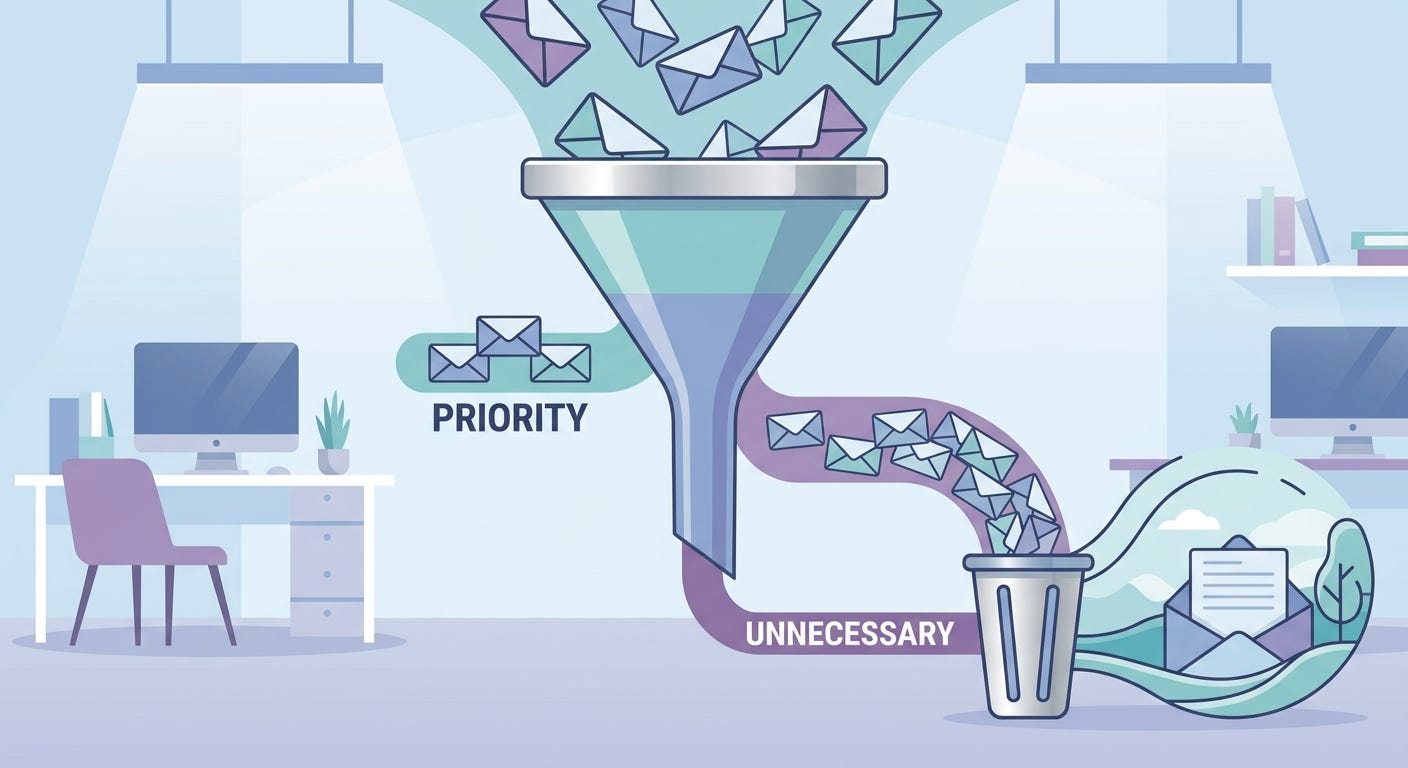
Open your email program. Go to your Deleted Items folder. Sort by sender.
Just that. Sort by sender, descending by count. The senders sending you the most email rise to the top.
What you’re about to see may surprise you. The senders that come up at the top of that list aren’t your colleagues. Not your boss. Not your customers or partners. Not the people whose work you actually care about.
The top of the list is automated mail. Subscriptions. Notifications. Newsletters. Credit card alerts. SaaS update emails. “In case you missed it” digests from platforms you joined years ago and barely use. Daily summaries from services you signed up for once and forgot about. You know, the things you immediately delete when you see them in your inbox.
In my case, the top of the list had senders I didn’t even recognize. Names I’d never noticed. Domains I had no memory of subscribing to. Some of them had been sending me daily email. I’d been deleting their messages. I’d never once stopped and asked the obvious question.
Why am I receiving this in the first place?
I unsubscribed from almost a hundred of them in one sitting. Less than 10 minutes of work. The result was immediate and substantial. Remember, I clean my subscriptions ever few months. I can’t believe it had gotten so bad all over again.
The Hidden Cost
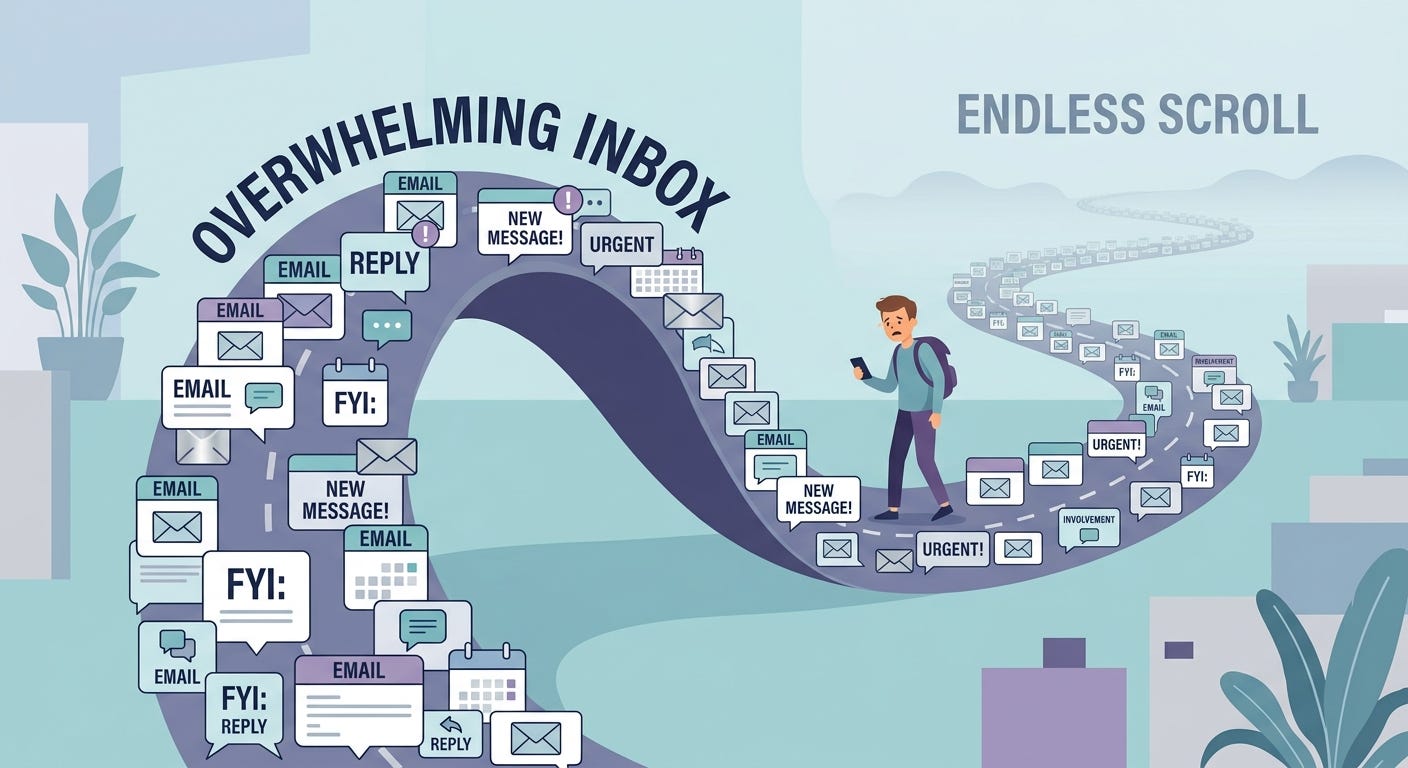
You might think the cost of these emails is zero. They arrive. You delete them. Total time per email? Maybe a second. What’s the big deal?
The big deal is that “delete it in a second” is a lie we tell ourselves about email volume.
Every email you delete is a microscopic context switch. You glance at the sender. Your brain decides “junk.” Your hand moves to delete. The whole process takes a second or two. Then you scan the next one. Across 50 of these in a morning, you’ve done 50 micro-evaluations. You’ve moved your eyes 50 times. You’ve spent two or three minutes deleting nothing of value.
That’s the obvious cost. There’s a less obvious one.
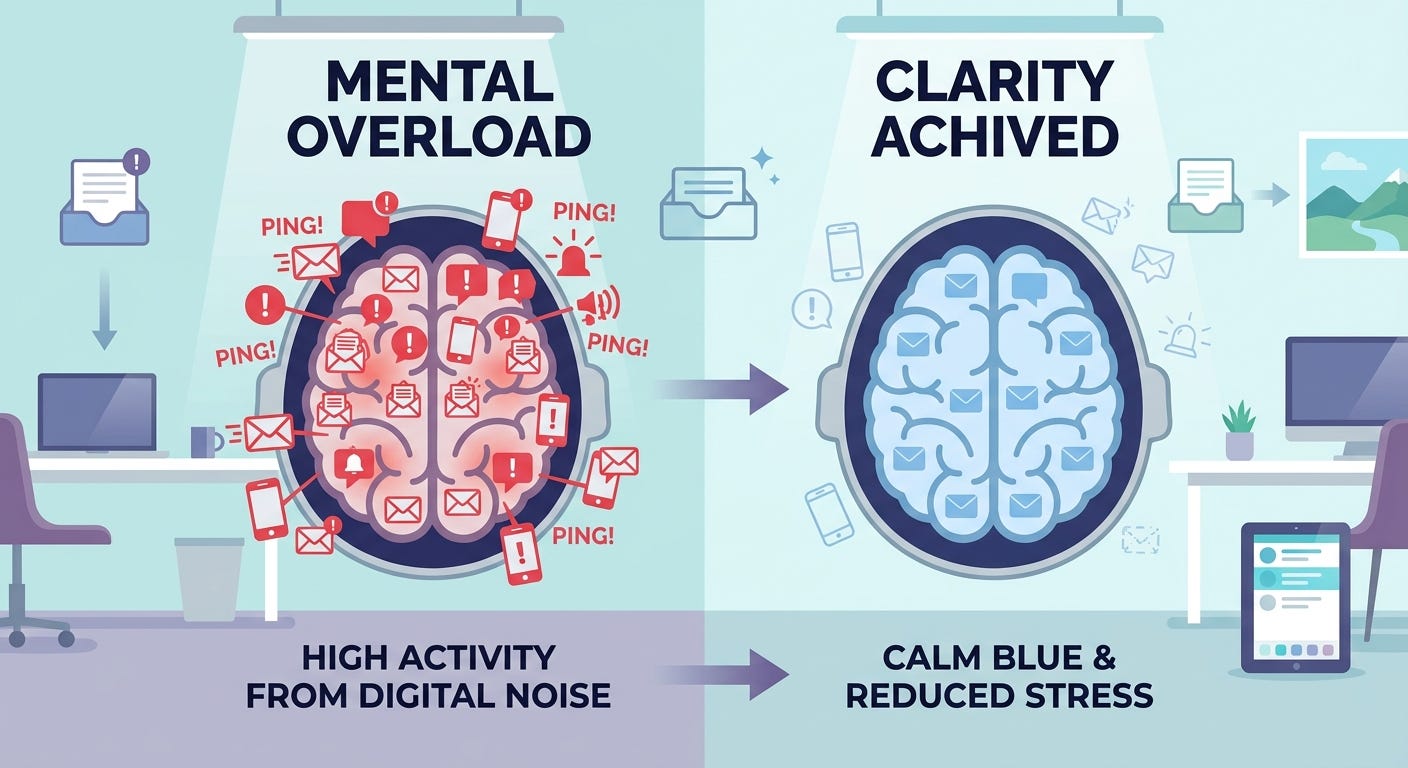
The hidden cost is that those messages are there. They’re sitting in your inbox alongside the messages that actually matter. Every time you open the inbox to find the real email, you’re scanning past the noise. The noise isn’t free. It’s the visual and cognitive equivalent of working in a room where 80% of the surfaces are covered in junk mail you have to look past to find the one thing you came in to do.
It isn’t the deletion that costs you. It’s the perpetual scanning past. Multiply that by the dozens of times you open your inbox each day. Multiply that by every workday for a year.
The arithmetic is depressing, but the elimination is easy.
The One-Month Rule
Here’s the pattern I use now.
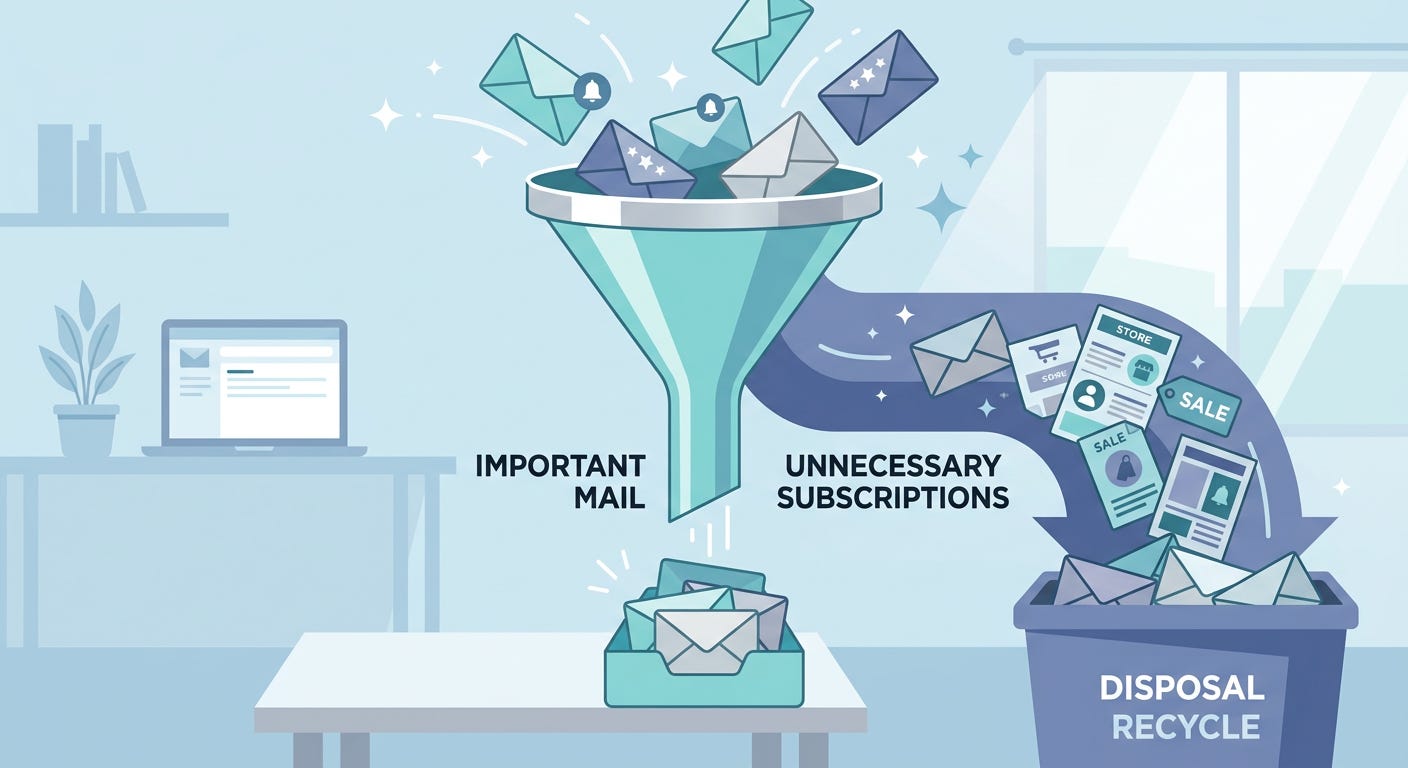
If I haven’t read anything from a sender in the last month, I’m not going to read anything from them in the next month either. Unsubscribe.
That’s it. That’s the whole rule.
The voice in your head will object. But what if there’s something important in there? It wasn’t important enough that you read it last month. It won’t be important enough that you read it next month either.
But what if I might need that information someday? If you need it, you know where to find it. The internet didn’t disappear. The website still exists. The newsletter archive is searchable. The product update page is one Google query away. You aren’t losing access to the information. You’re losing the obligation to scan past it daily on the off chance you might need it.
But the company asked me to subscribe. Companies ask for many things. You owe them nothing. Your inbox isn’t a free advertising surface. Unsubscribe.
The one-month rule cuts through the hesitation. If you can’t remember opening anything from a sender in the last 30 days, the relationship is dead. You’re doing both yourself and the sender a favor by ending it. Their open rate goes up when uninterested subscribers leave. Your inbox goes quiet and stop subscribing to things you don’t read.
The Categories You Will Find
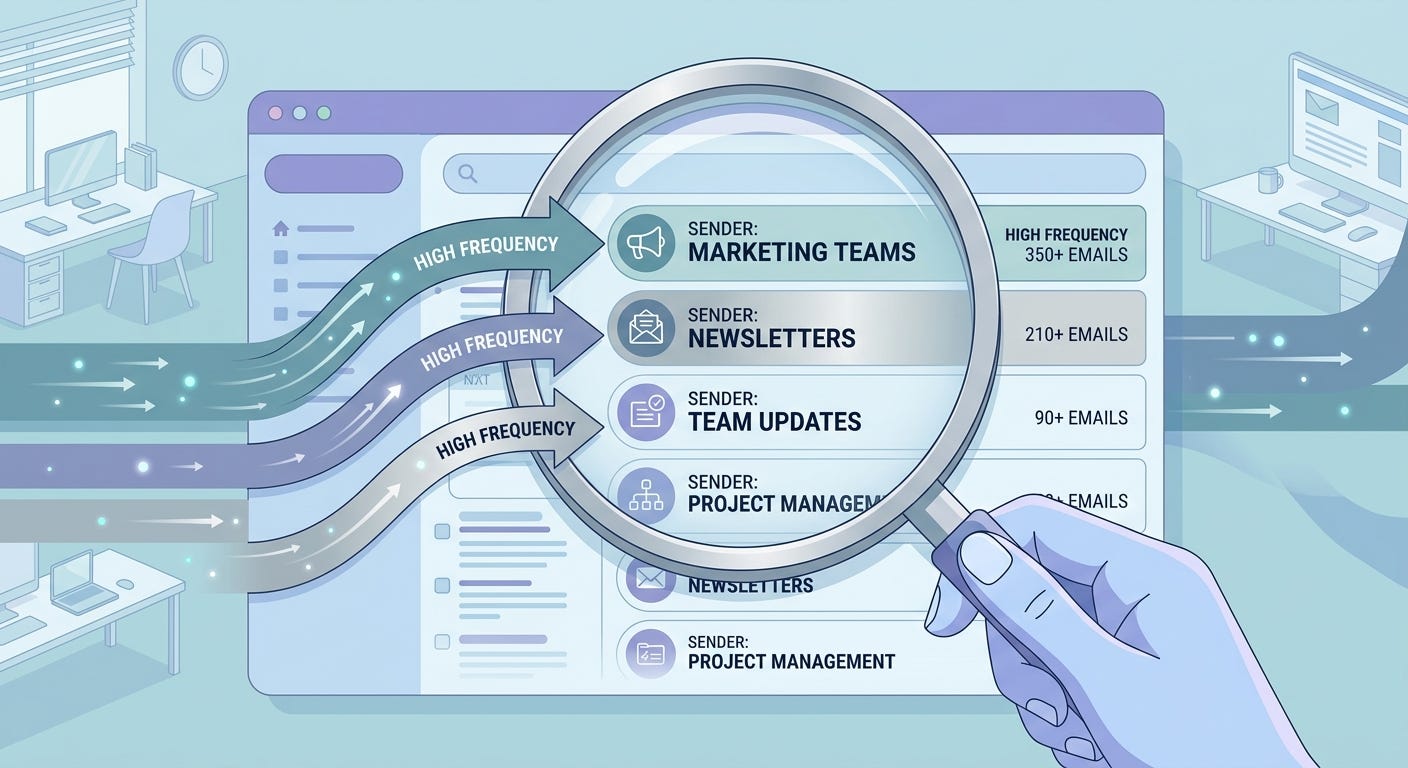
When I sorted my own deleted box, the senders fell into a handful of patterns. Yours will too.
Subscriptions you signed up for during a project that ended. That research newsletter you subscribed to when you were writing the white paper in 2022. That industry digest you joined when you were doing research. That platform you set up for the conference you attended in 2023. The conference is over, but not the emails.
Marketing from companies you bought from once. You ordered something. They added you to their list. They’ve been sending you weekly promotions ever since. Even if you genuinely liked the product, you didn’t sign up for a daily relationship. Some of these were daily!
Notifications from SaaS tools you barely use. Project management platforms, collaboration tools, productivity apps. They send you a notification every time anyone does anything. Most of these can be turned off in settings. Many can’t, in which case the unsubscribe is the only path.
News and content digests. The morning news email. The weekly industry roundup. The “what you missed this week” digest. These feel valuable in the abstract — you’re staying informed. In practice, you’re deleting them. Stay informed in a way that fits how you actually consume information. RSS readers, set times of day, deliberate visits to specific sources. Not push notifications you delete every morning.
Notifications from financial accounts. Credit cards, banks, investment platforms. Some of these matter (fraud alerts, statements). Most don’t (rewards updates, marketing offers). Most banks now let you turn off the marketing notifications without losing the security ones. Go into your account settings and do it.
Email from people you no longer work with. Personal newsletters from a colleague three jobs ago. Updates from a company you stopped using. Mailing lists from an organization you left. The relationship is over. The list doesn’t know that. Unsubscribe.
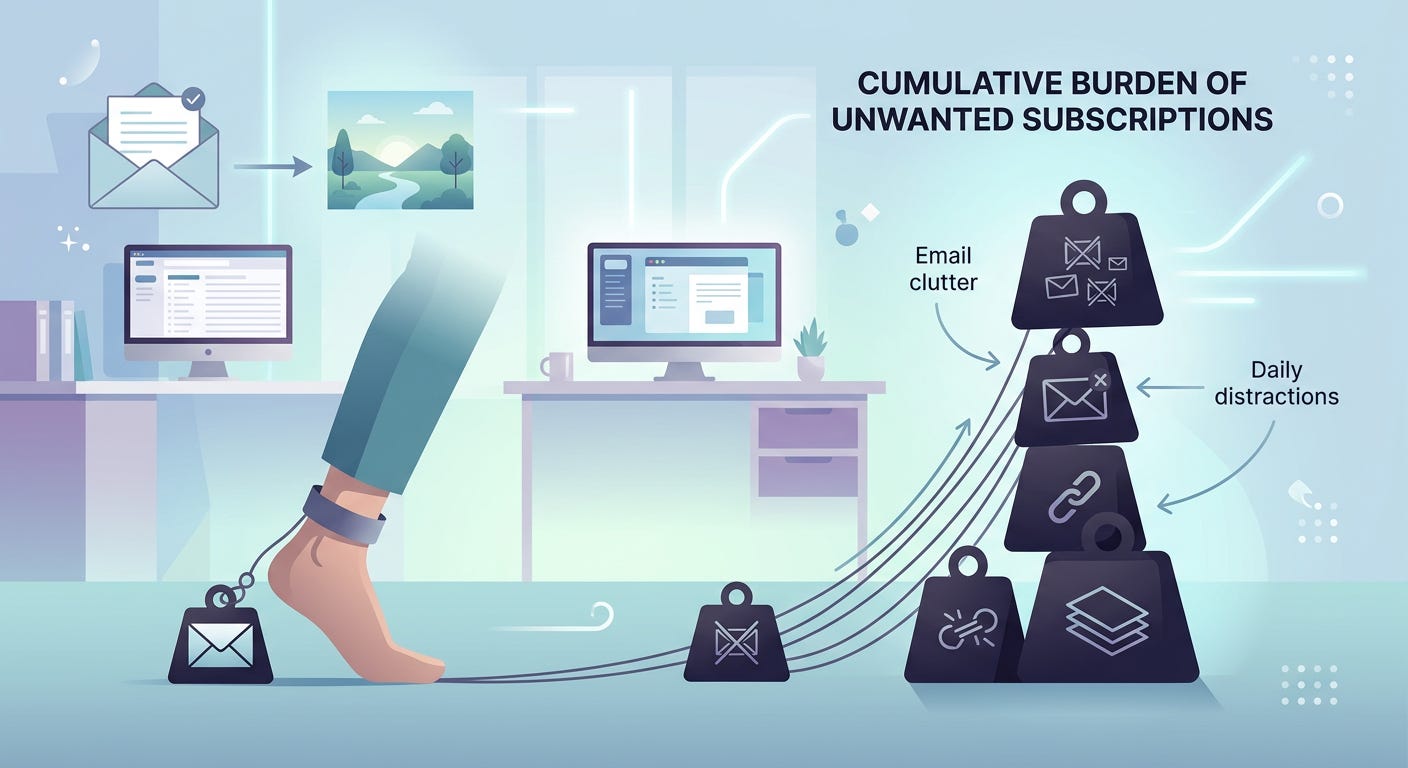
The aggregate of these is shocking when you actually count it. You’ll find dozens. Probably more. Almost none of them are actively harmful. All of them are quietly consuming attention.
How to Actually Do It
There are a few ways to attack this. Pick one.
The 30-minute manual sweep. Sort your deleted folder by sender. Scroll down the top 50 senders. For each one you don’t recognize or don’t actually read, click into a recent message, scroll to the bottom, and click unsubscribe. Repeat until done. This is what I did last week. It works. It’s also the version that scales to “almost a hundred subscriptions” in one sitting.
The unsubscribe service. Tools like Unroll.me, Clean Email, or Leave Me Alone aggregate your subscriptions and let you bulk-unsubscribe with checkboxes. Some of these tools have privacy concerns worth checking. Read the terms before authorizing access to your inbox. Personally, I would not use them and just do my own unsubscribing.
The Copilot or AI agent approach. If you use Microsoft 365 with Copilot, Gmail with Gemini, or another AI-integrated mail platform, ask it directly. “Identify senders I have received more than five emails from in the last 90 days but have not opened any of them. Show me the list.” The AI does the analysis you would have done by hand. You make the final decisions and unsubscribe.
The standing rule. Once you’ve done the initial cleanup, install a standing rule for yourself. Every time you delete an email without reading it, ask whether you want to unsubscribe right then. The unsubscribe link takes 10 seconds. Doing it once permanently saves you from doing the deletion forever. This is the rule that prevents subscription decay from rebuilding over time.
I run the manual sweep on the first of every month. It takes about ten minutes. The result lasts a couple of months before subscription gravity slowly rebuilds the noise. It’s one of the few maintenance routines I’ve found genuinely worth it.
The Wider Application
I gave this one its own piece, rather than tucking it into tomorrow’s broader email post, because the principle generalizes beyond email.
You probably have:
Calendar invites for recurring meetings you stopped attending months ago that are still on your calendar.
Slack and Teams channels you joined for a project that ended that still send you notifications.
App notifications on your phone from apps you no longer use.
Subscriptions to services you stopped using but still pay for.
RSS feeds, podcast subscriptions, YouTube channels you joined years ago and never check.
Group memberships, mailing lists, and online communities you belong to but no longer participate in.
Every one of these is a subscription decay problem. Every one of these is consuming a small slice of attention every day, week, or month. None of them are catastrophic. All of them are removable.
The same one-month rule applies. Haven’t engaged in the last month? You’re not going to engage in the next month either. Cancel. Unsubscribe. Mute. Leave.
The aggregate effect of cleaning all of these up isn’t a 10x productivity gain. It’s something quieter and more important. Your attention stops being defined by the leftover commitments of decisions you made years ago. The inbox, the calendar, the notifications, and the apps… all of them start reflecting what you actually care about now, not what you happened to sign up for in 2021.
This is what justify everything you keep looks like at the maintenance level. Not a one-time elimination. A recurring practice. Every couple of months, you go through and ask, of every standing subscription, does this still serve a needle I am trying to move? If yes, keep. If no, cut.
Most things, when you ask honestly, get cut.
What to Do with the Recovered Quiet
You aren’t going to recover hours by unsubscribing from a hundred mailing lists. You’re going to recover something subtler.
The inbox will be quieter. The morning will be calmer. The deletion routine won’t be fifty rapid taps. It’ll be five emails that actually warrant attention.
That quiet is the dividend. Don’t fill it. Don’t subscribe to a new daily digest because you “miss being informed.” Don’t opt back into the marketing emails because you “might want to know about the sale.” Don’t start the new app that promises to help you keep up with the industry. The quiet isn’t a vacuum to be filled. It’s the cleared space your needle work needs.
The people I watch making real progress on AI, on innovation, on actual organizational change all share one trait. Their inboxes are unusually quiet. Their calendars are unusually open. Their notifications are unusually rare. They’ve done the elimination work, and they protect the result.
You can do the same thing. It starts this afternoon, with one sorted Deleted Items folder.
The Take-away
This week, do exactly one thing.
Open your email program. Go to your Deleted Items folder. Sort by sender, descending.
Spend 10 minutes unsubscribing. Aim for 50 unsubscribes. You’ll find more.
Then come back and tell me how many you cut. My guess is that the median reader of this article unsubscribes from somewhere between 40 and 120 senders in their first sweep.
The number will surprise you. The quiet that follows will surprise you more.
Justify everything you keep.
Eliminate everything else.
The senders crowding your inbox have been making that decision for you. Take it back.
Thanks for reading AI, Innovation, and Faith! This is Part 3 of The Elimination Project. Part 1 (the manifesto) and Part 2 (meetings) build the foundation. Tomorrow, Part 4 takes on the wider email problem — five categories of inbox content and the order to attack them.
I hit 40 unsubs, but I had just emptied the Deleted folder about a week ago without unsubscribing from anything, so I anticipate probably 40 more once the new month rolls around!
Yikes! I hit 90. 😳🤦♀️