



Let’s cut through the noise for a minute. AI isn’t just for coders, techies, or Silicon Valley types. It’s a set of tools that can be used to multiply ministry, save hours, and connect with people we ’d otherwise miss. But for so many leaders, the biggest barrier is where to start.
If your only exposure to AI is ChatGPT, you’re at the starting line, not the finish line. Ministry needs more than a basic chatbot. The good news: you can get real value fast, even as a beginner.
Step 1: Pick One Real-World Problem

Start by naming one pain point that steals your team’s time. Is it scheduling meetings? Summarizing notes? Communicating in different languages? Sorting through piles of data? Pick the everyday thing that everyone groans about.
Example:
“Every week we spend hours preparing resources to align with the Sunday sermon.”
Step 2: Choose a Focused Tool Built for Your Context
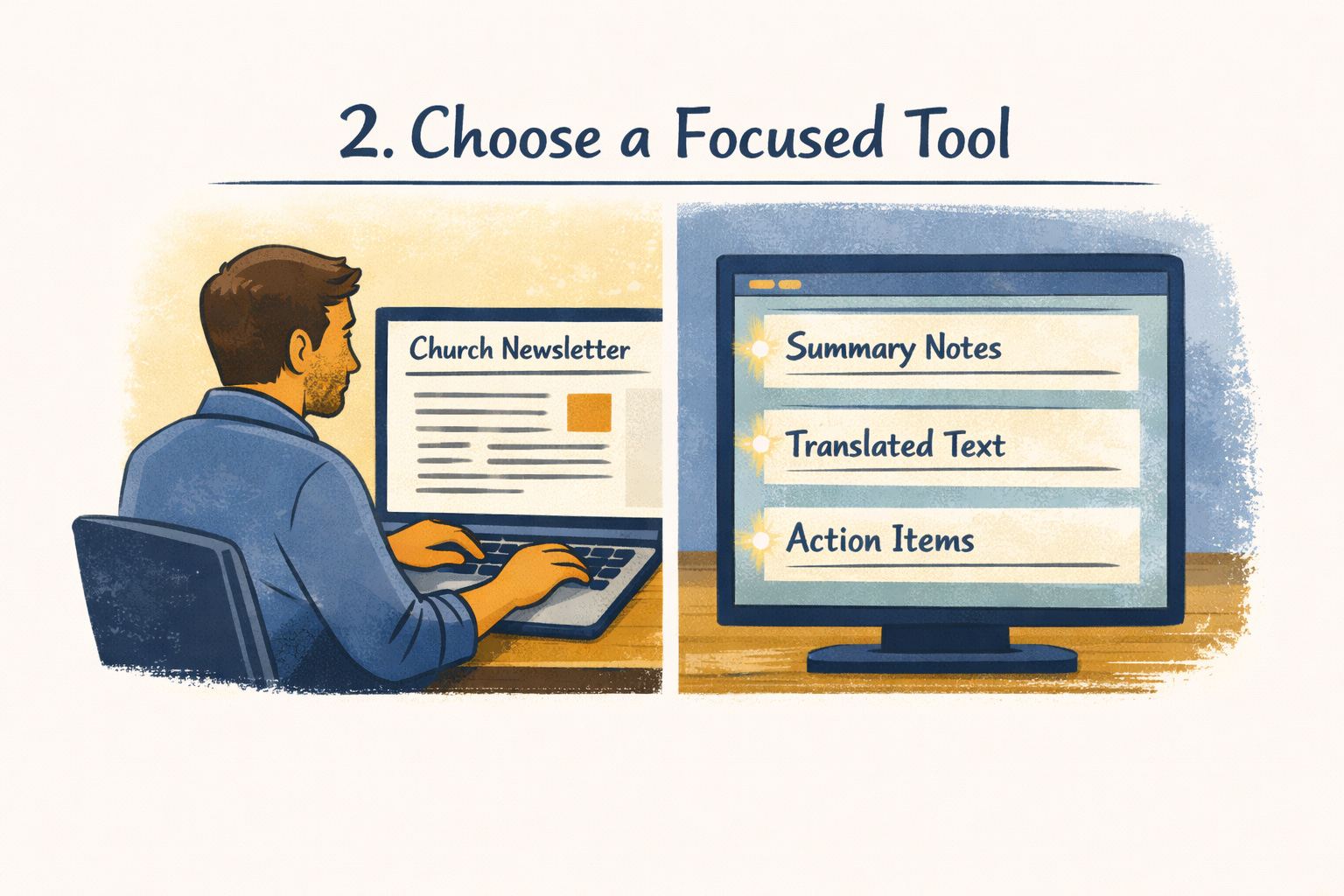
Don’t get lost trying to learn everything. Once you have your pain point, pick a solution to help you brain storm ideas. For the issue above, you might visit faithbot.tools. It’s a hub of AI tools our team has built tailored for missional and church work. If you’re a Microsoft 365, open up Copilot (if you have it) right inside Word, Outlook, or Teams. Copilot is a great way to get started. It’s built on the same infrastructure as ChatGPT, but it’s safer.
Quick starts:
• On faithbot.tools, try FaithBot Q&A for biblical questions or for creating content based upon Sunday’s sermon.
• In Microsoft Copilot, highlight your next meeting summary or a draft newsletter and ask Copilot to “summarize action items” or “rewrite this for a youth group update.”
Pro tip: It’s worth repeating, you’re only using ChatGPT, branch out! Each tool serves a different purpose and integrates with what you’re already doing.
Step 3: Try, Tweak, Share

Don’t overthink your first use! You are looking for a small win. Once you have it, share the impact with your team.
Use Copilot’s summarization features on last Sunday’s meeting. Let the AI pull key points and next actions—then share the notes without rewriting.
Set up FaithBot as a safe “first line” for big questions, letting your staff be the follow-up for sensitive or pastoral needs. Share it with your small group leaders to help them prepare their lessons.
Sort through your excel sheets full of data using Copilot’s Excel tools.
Remember that when you see results, celebrate with your team. Get their feedback. Adjust. You don’t have to roll out a grand strategy. Just build on what works. It’s very important to have specific times for your team to share what they are learning about AI. Learning from each other is much better than having a specialist come train you and leave.
Final encouragement
You don’t need to be an “AI person” to get ministry value from these tools. Start where the friction is highest, pick one fit-for-purpose platform, and get a small win this week. Once you do, iterate. As your confidence grows, so will your toolbox.
Still stuck, or want recommendations for your exact setup? Drop a note in the comment section.
If you have ideas to help others get started, share those as well! Let’s map out an “easy on-ramp” to AI-powered ministry. The tools are ready. Time to move beyond the basics!
I disagree that ChatGPT is only a basic chatbot. I have subscriptions to ChatGPT, Gemini, and Claude. I haven't succumbed to the constant pressure from Microsoft to subscribe to Copilot because, frankly, I don't need.
I also use FaithBot.
The recent upgrades to ChatGPT are very powerful. I've used its personalization feature to train it on my theology and to frame its responses accordingly.
I'm a retired systems engineer and I'm using ChatGPT to assist me in a home project to automate a 10 Newtonian reflector telescope, including systems, electronics, mechanical, and software development. The experience is like working with another systems engineer.
Claude is also very capable and is better at coding, but I've found that it tends to overthink by quite a bit.
That said, the two I use the most are ChatGPT and Claude, but I've learned to use them for the types of projects they are best at.